
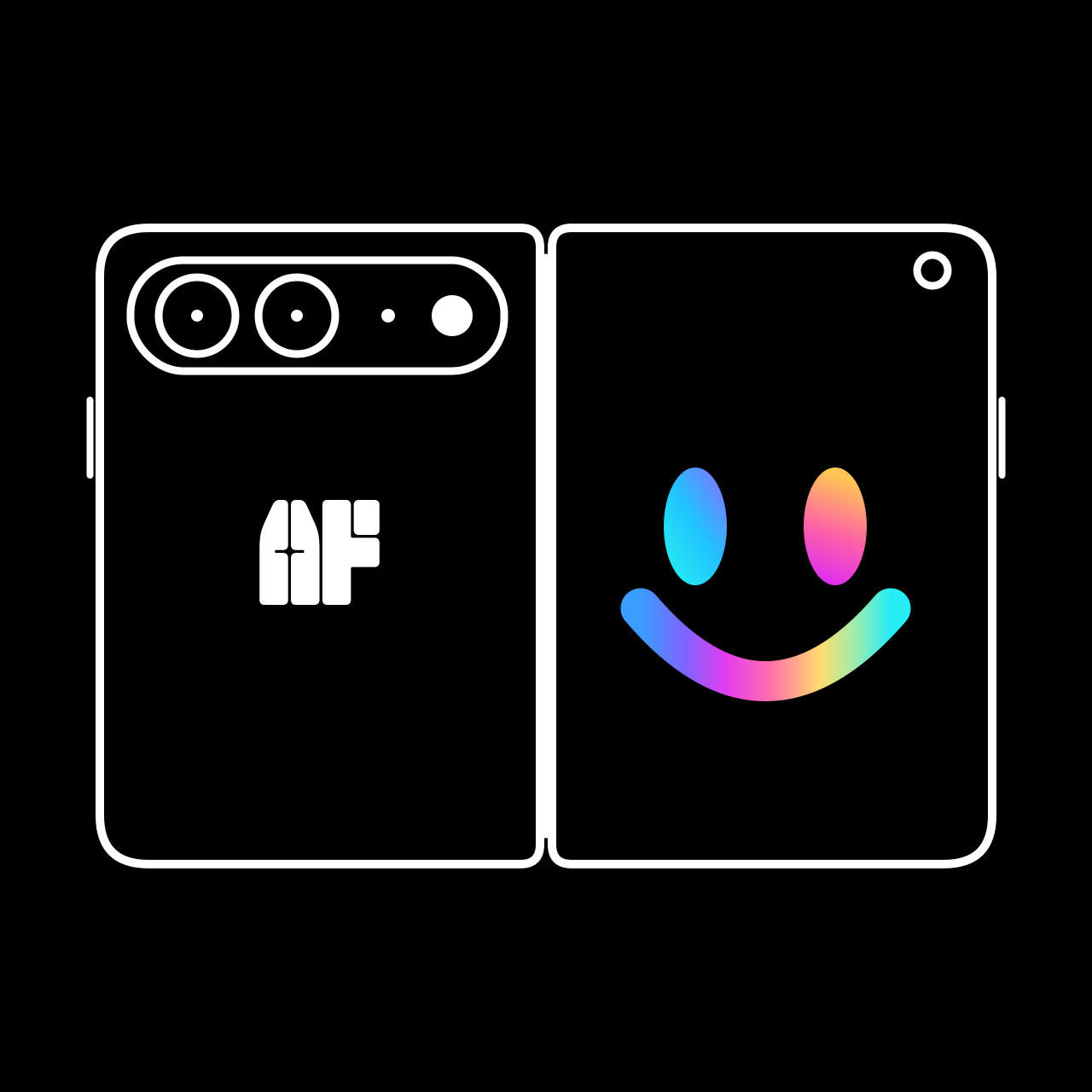
Give them something to look at.
Playful in front. Precise behind.
Your settings on the inside. Their favorite thing on the outside. AnyFront brings a full manual camera together with subject-facing visuals on iPhone Duo — so the next photo can be about the moment, not the effort of getting attention.
Coming to the App Store on 23 October
Made for iPhone Duo. Cover-screen features work only on iPhone Duo. All other compatible iPhones get the free manual camera alone.
Two screens. Two roles.
AnyFront is a manual camera that puts your choice of photo, video, animation or live mirror on iPhone Duo's cover screen while you shoot from the inner display.
Their side
Attention
Photos, videos, animations and live mirror on the cover screen.
How the cover screen worksPrivacy
No account. No ads. No analytics. Your photos and videos stay in your library.
Privacy policyPrice
Manual camera: Free.
Cover-screen extras on iPhone Duo: One-time unlock.
Get the shot.
Practical guides for the photos that are hardest to take.
How to get a baby to look at the camera
Babies do not take direction. What helps is soft light, a low angle, a sound right next to the lens and, if you have it, a screen worth looking at.
GuideHow to get a dog or cat to look at the camera
Your dog has opinions about cameras, and your cat has stronger ones. These tips are kind, short on fuss and work on any phone, with a few extras for iPhone Duo.
GuideSelfies with the rear cameras on iPhone Duo
Open the phone and the cover screen sits on the outside, next to the rear cameras. Switch on the live mirror and you can frame yourself with them.
GuidePhotographing toddlers and kids: tips that actually work
Toddlers do not pose, and older kids pose a little too much. Here is how to get natural, sharp photos of both without a meltdown, yours or theirs.